In TestFlight betaApp Store to follow
MENTOR,
in your pocket.
The AI assistant for your workspace, on iPhone. Write to it, or tap the phone and talk it through. Its answers come from what you or your organisation knows.
For iPhone. Set up with a code from your administrator.

- Ask anything
- HD voice
- Encrypted signalling
- Encrypted media
- Skills and tools
- MENTOR Graph
- Several conversations
- App lock with Face ID
- Set-up by QR code
- Liquid Glass
- Light and dark
- 47 languages
01 · Chat
Ask MENTOR anything.
Write to MENTOR the way you would to a colleague. Ask a question, ask for a first draft, or think something through in text.
Several conversations
Keep more than one going at once.
Pick up where you left it
Open any of them and carry on from where you stopped.
Or say it out loud
Tap the phone to talk instead of type.
Example conversation

02 · Voice mode
Voice mode, clear and private.
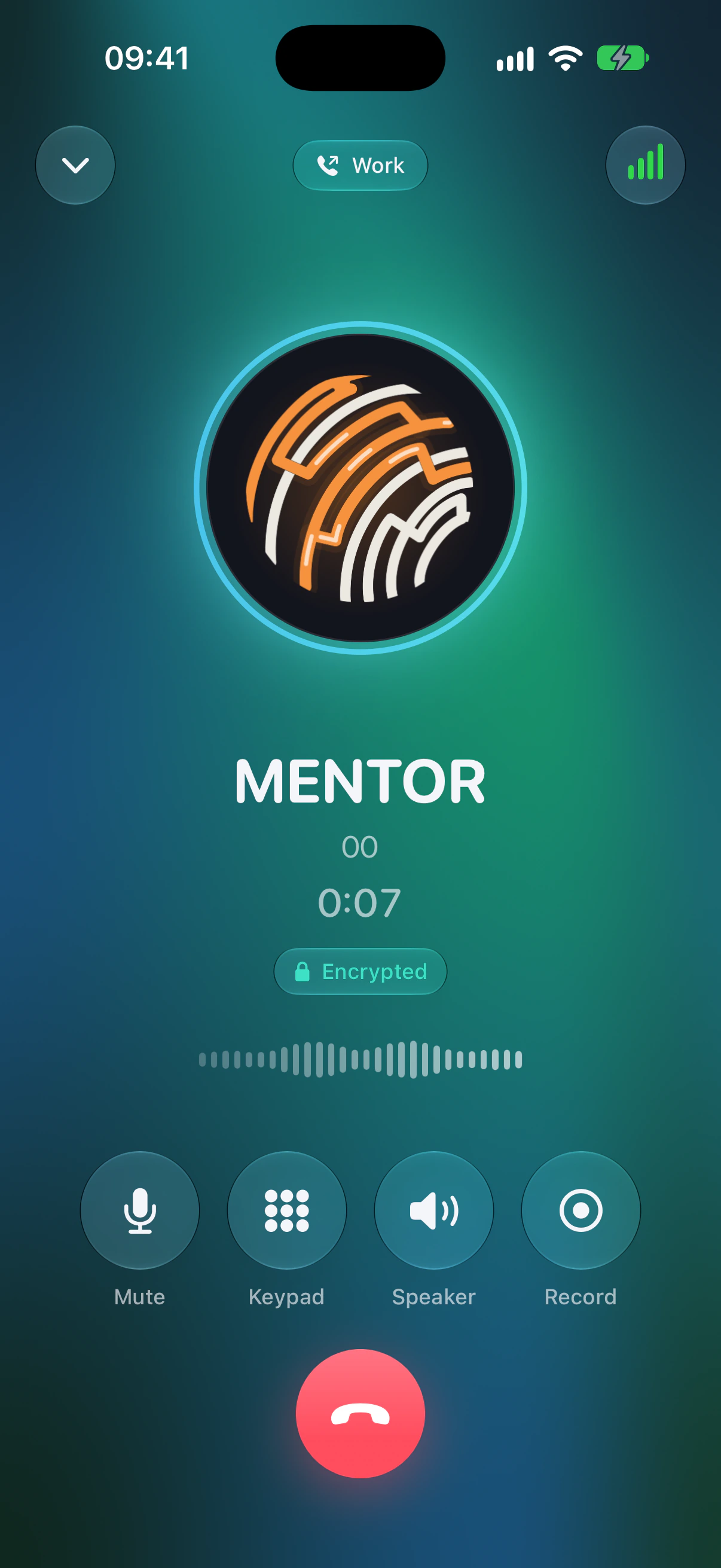
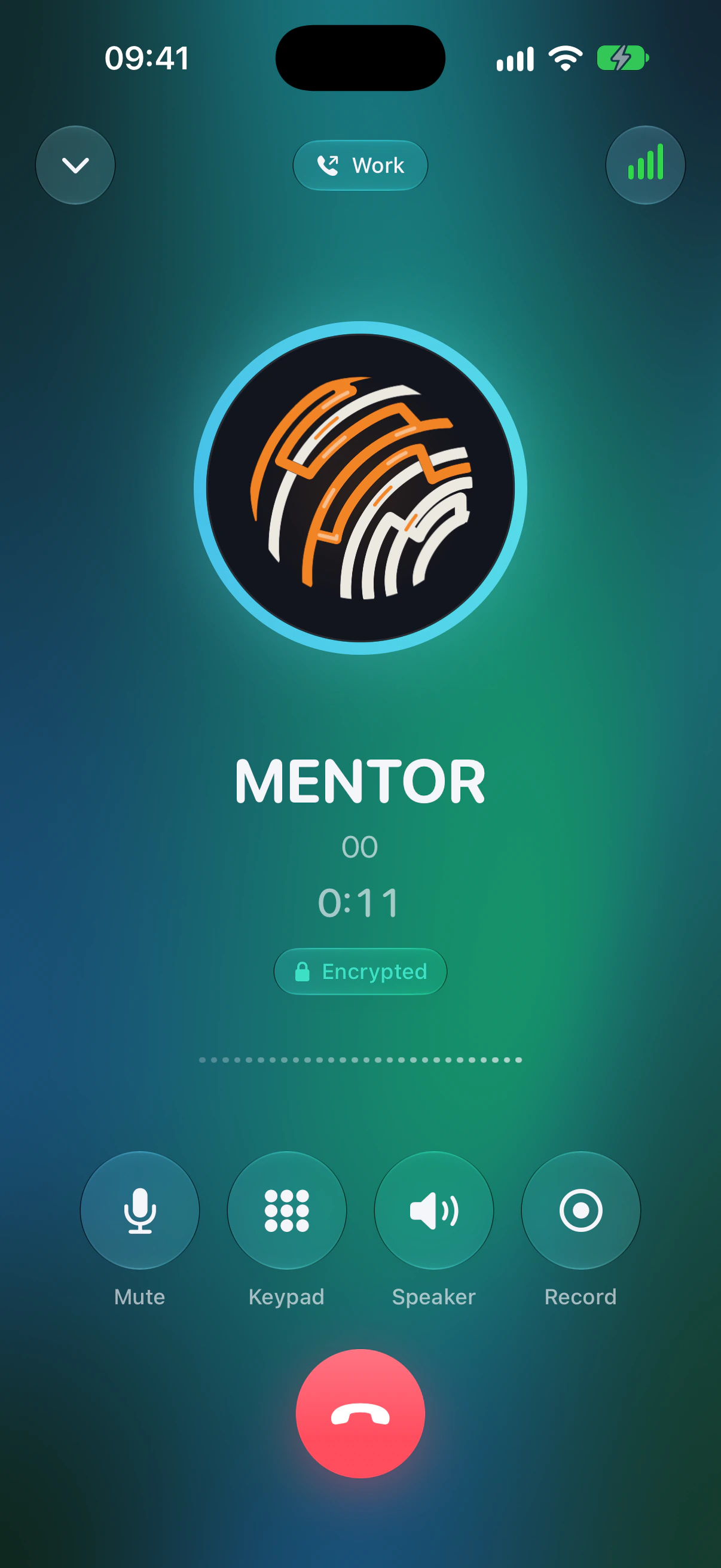
Tap the phone and talk. Voice mode is a real call to MENTOR in HD voice, with encrypted signalling and encrypted media, so talking it through is as private as writing.
- Audio
- HD voice
- Signalling
- Encrypted with TLS
- Media
- Encrypted with SRTP
On the call screen the MENTOR mark is alive: it moves with both voices, and an Encrypted badge sits under the timer.
03 · Skills
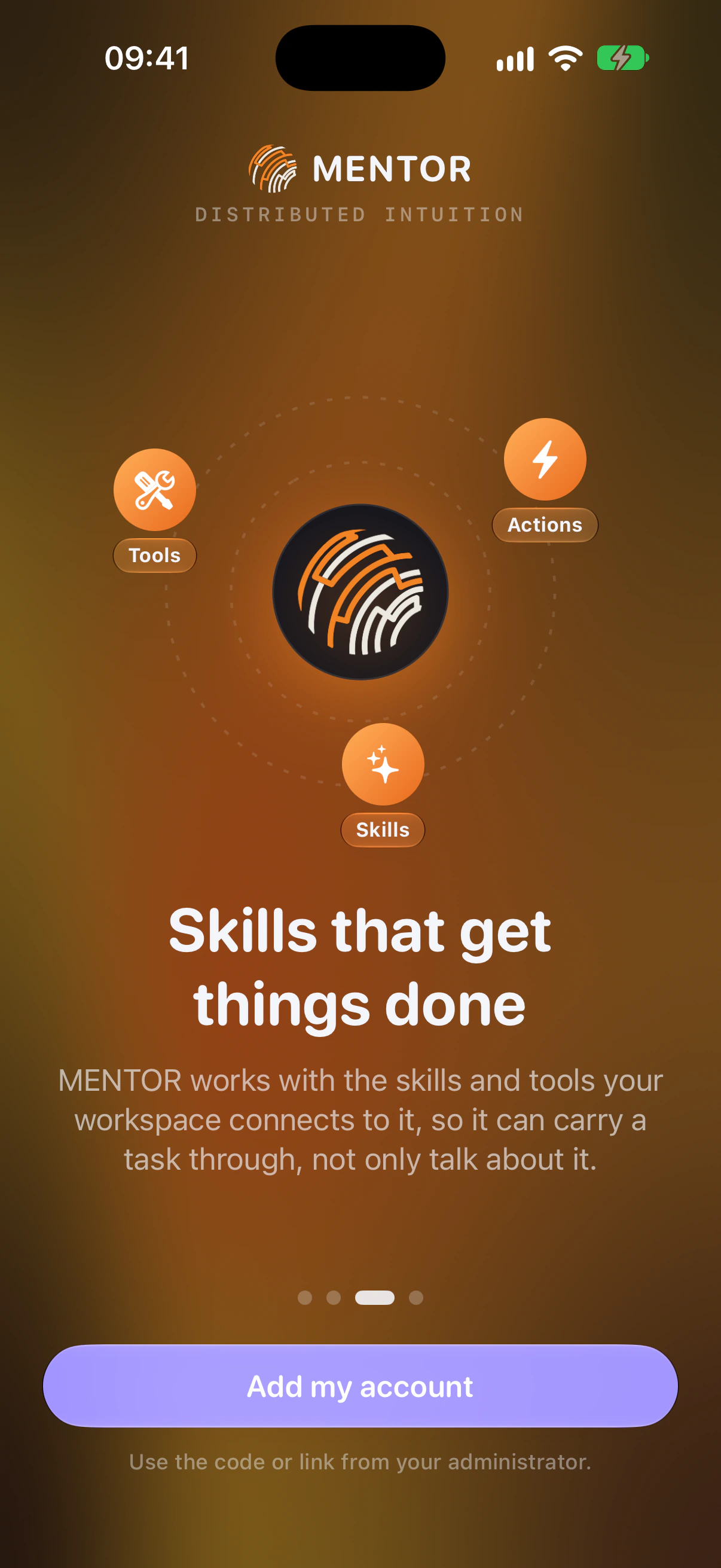
Skills that get things done.
MENTOR works with the skills and tools your workspace connects to it, so it can carry a task through, not only talk about it.
- Skills
- What MENTOR knows how to do.
- Tools
- What your workspace connects to it.
- Actions
- Things done, not only talked about.


04 · MENTOR Graph
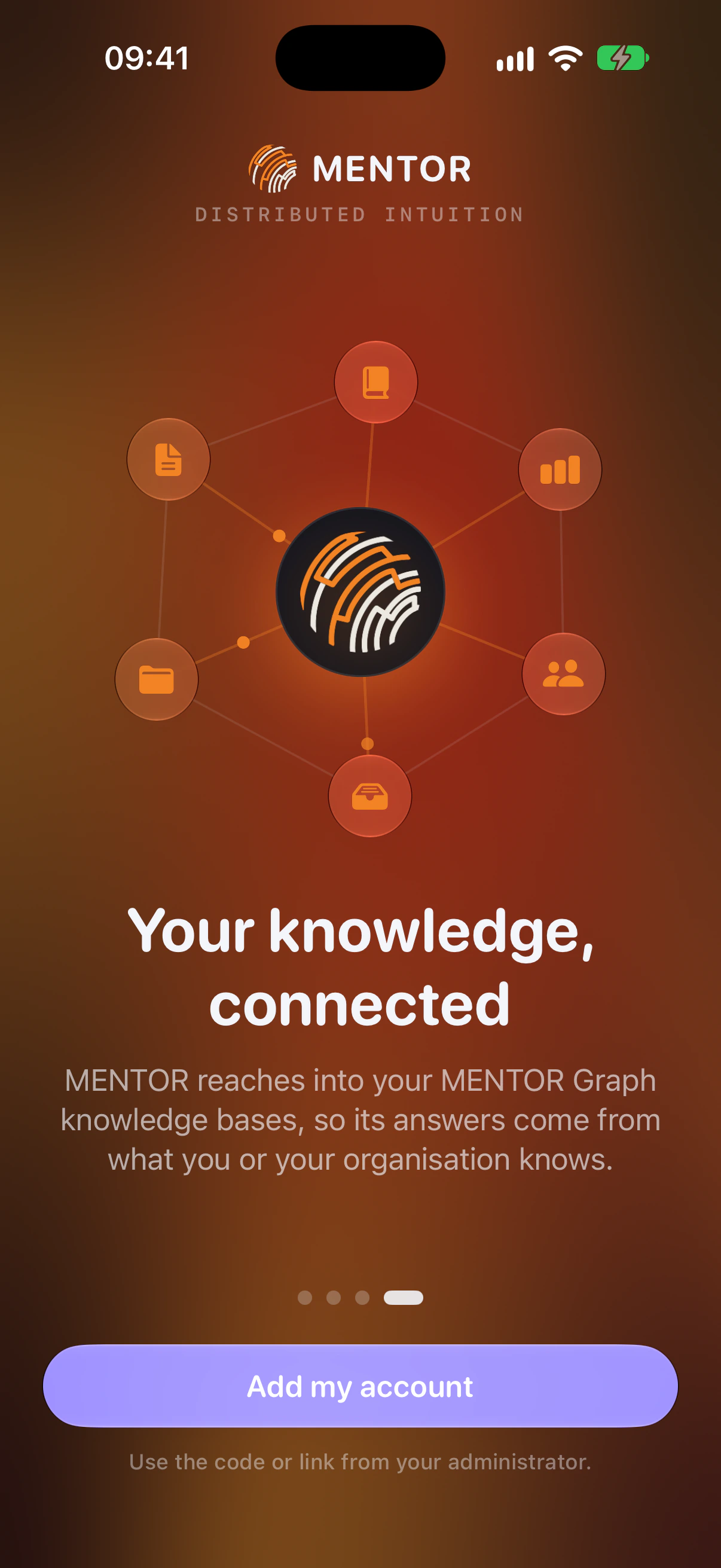
Your knowledge, connected.
MENTOR reaches into your MENTOR Graph knowledge bases, so its answers come from what you or your organisation knows.
MENTOR Graph
Knowledge bases for what you know, and for what your organisation knows.
05 · The app
At home on iPhone.
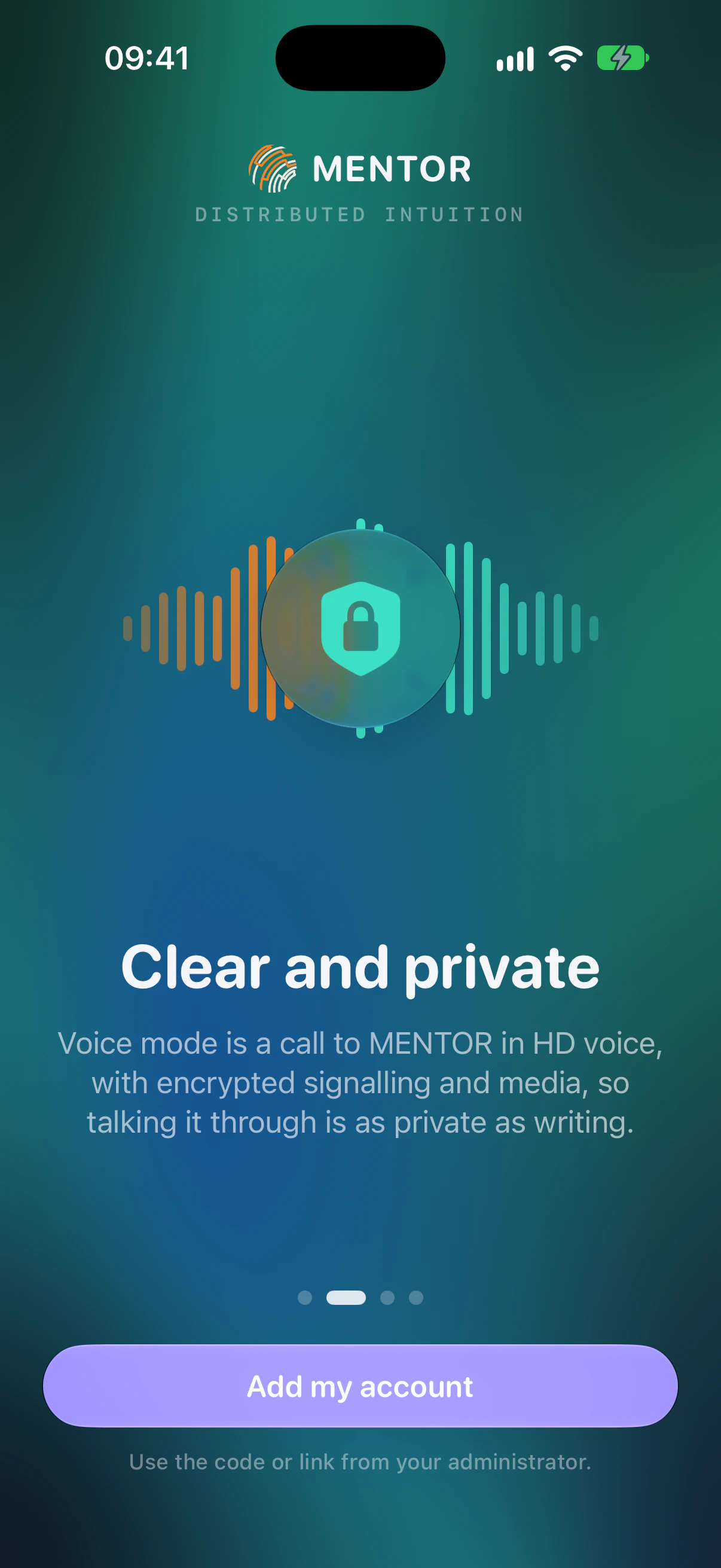
Built natively for iOS with Apple's Liquid Glass design, in light and dark. These are the four screens that welcome you.
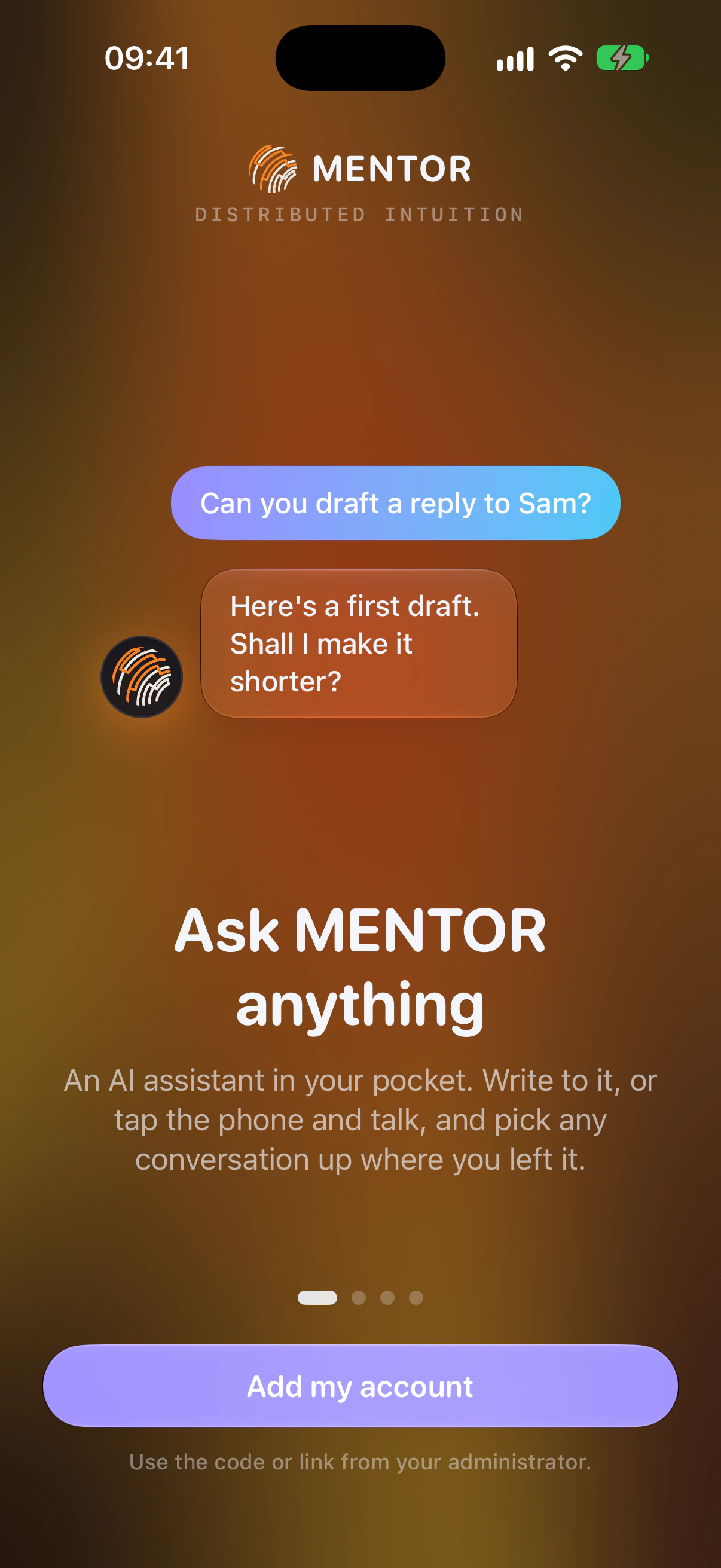
Ask MENTOR anything
An AI assistant in your pocket. Write to it, or tap the phone and talk, and pick any conversation up where you left it.
Clear and private
Voice mode is a call to MENTOR in HD voice, with encrypted signalling and media, so talking it through is as private as writing.
Skills that get things done
MENTOR works with the skills and tools your workspace connects to it, so it can carry a task through, not only talk about it.
Your knowledge, connected
MENTOR reaches into your MENTOR Graph knowledge bases, so its answers come from what you or your organisation knows.
MENTOR around iOS
There without opening the app.
Siri shortcuts
“Talk to MENTOR” and “Ask MENTOR”, by voice or from Shortcuts.
Control Centre
The same two as buttons: one to talk, one to ask.
A MENTOR widget
On the Home Screen and Lock Screen: whether MENTOR is connected, and whether it has replied.

06 · Privacy
Private by design.
It runs through your organisation's own Mentor PBX, its calls are encrypted, and it can lock behind Face ID.
Your organisation's own PBX
Mentor Mobile runs through your organisation's own Mentor PBX.
Encrypted calls
In voice mode, signalling is encrypted with TLS and media with SRTP.
App lock with Face ID
Optional. Switch it on to keep Mentor Mobile behind Face ID.
Your picture stays yours
Your avatar picture stays on your iPhone.
07 · Languages
47languages
Mentor Mobile is localised into the languages iOS offers.
08 · Get started
Set up in seconds.
Your administrator gives you a QR code or a link. Scan it, and MENTOR sets itself up.
Step 1
Your administrator sends a code
A QR code or a link. It carries everything your account needs.
Step 2
Scan it
MENTOR sets itself up. There is no manual configuration.
Step 3
Ask, or tap the phone and talk
Write to MENTOR, or tap the phone and talk it through.

In TestFlight beta
In TestFlight beta now. App Store to follow.
Mentor Mobile is the iPhone app for MENTOR, made by Maverick Systems. Your administrator gives you the code that sets it up.